Maze Creator
You want to create a custom maze for your worksheet, activity pack, or classroom resource. So you search online for a maze generator, but everything you find gives you the same generic rectangular maze with no way to customize it. No control over the shape, the difficulty, the look — nothing.
You try drawing one by hand, but after 30 minutes you realize there’s no guarantee your maze even has a valid solution. Back to square one.
Try it yourself — Maze Creator is available in DEMO mode!
Explore all features for free before you buy. No sign-up required.
Try the DemoWhat if you could create beautiful, solvable mazes in seconds?
What if you had a tool that generates unique mazes instantly — with full control over the grid type, size, difficulty, and visual style? And what if every maze was guaranteed to have a valid solution?
What if you could paint and erase cells to create custom shapes, set your own start and finish points, and toggle the solution path on or off?
What if the mazes looked stunning with professionally designed color themes — ready to drop straight into your resources?
Maze Creator
Maze Creator is a browser-based tool built for educators and puzzle creators. It gives you everything you need to design custom mazes:
- Three grid types — rectangular, circular (polar), and triangular mazes
- Fully customizable — control rows, columns, cell size, wall thickness, and difficulty
- Interactive editing — paint and erase cells to sculpt custom maze shapes
- Custom start & finish points — place them exactly where you want
- Shape presets — apply pre-designed silhouettes to rectangular mazes
- Solution toggle — show or hide the solution path instantly
- Beautiful themes — Golden Glow, Ocean Glow, Berry Burst, or no background
- Seed-based generation — reproduce the exact same maze anytime, or explore variations
- Save your mazes — store your creations locally and come back to edit them later
Maze examples
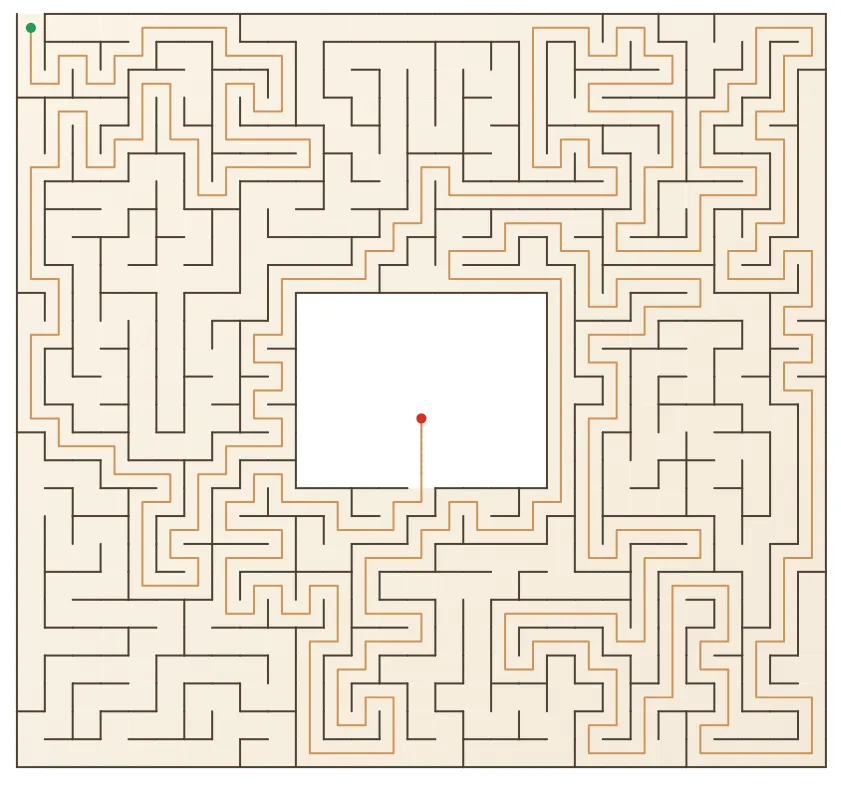
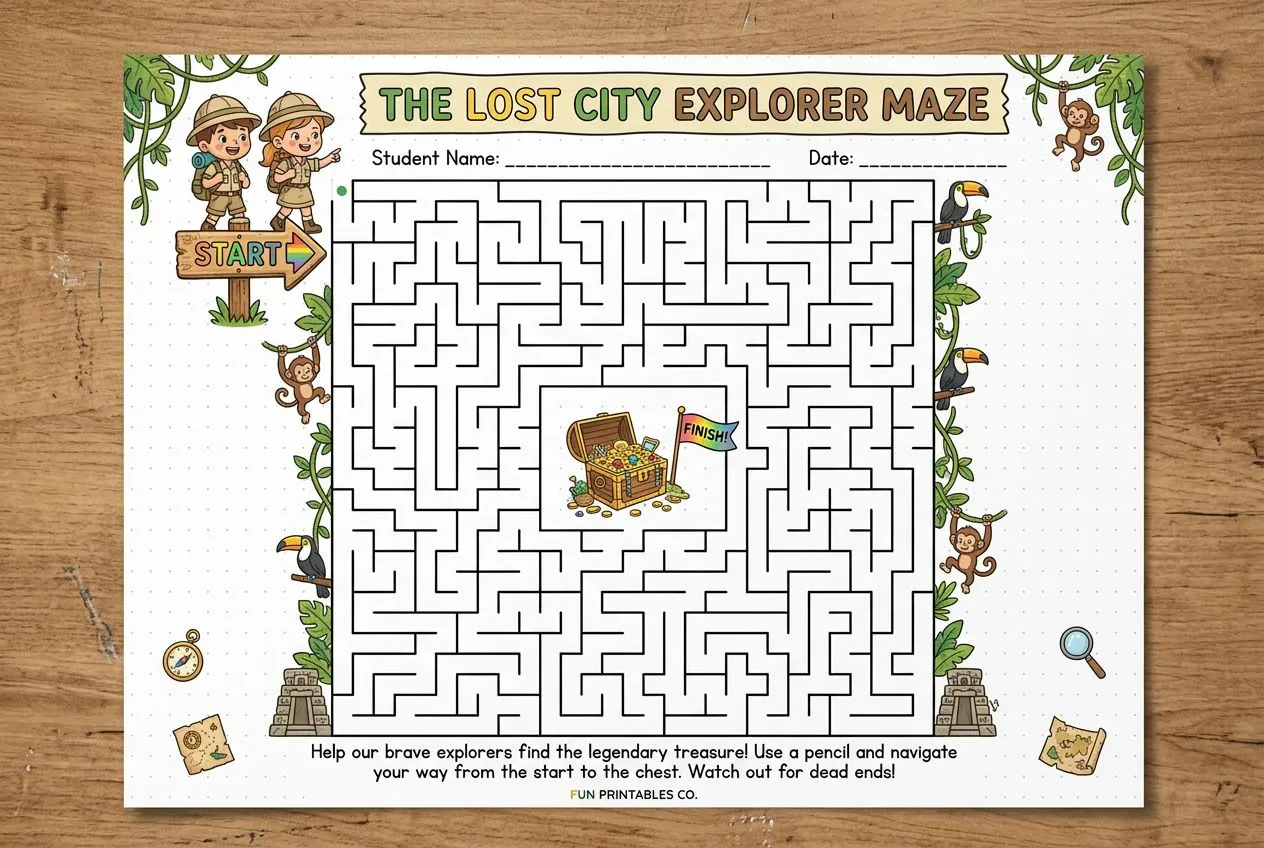
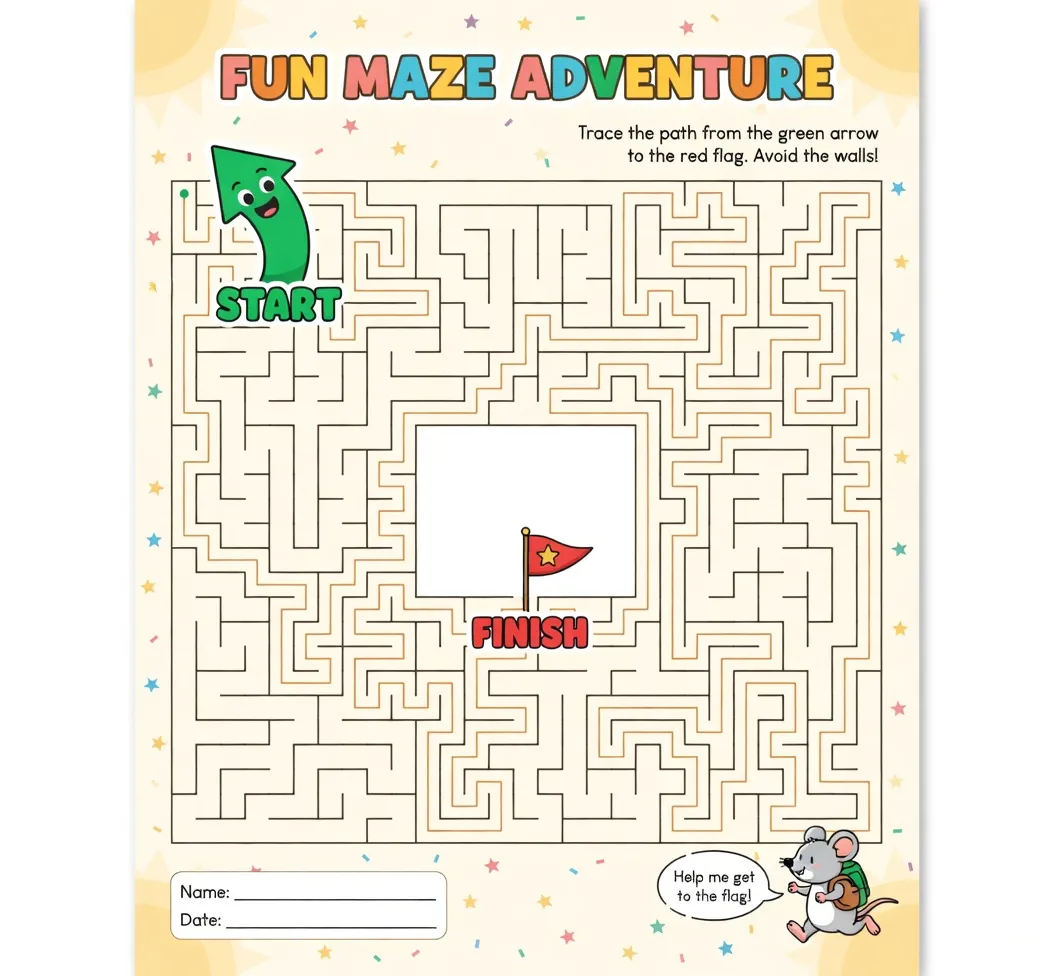
How does it work?
Choose your grid type, set your parameters, and Maze Creator generates a unique, solvable maze instantly. Use the editing tools to refine the shape, place start and finish points, pick a theme, and you’re done.
Every maze is generated from a seed number, so you can always regenerate the same maze or step through variations to find the perfect one.
What do you get when you purchase Maze Creator?
✔ Full access to Maze Creator in your browser ✔ A personal license to use it wherever you create your resources ✔ Rectangular, circular, and triangular maze generation ✔ Interactive editing tools to customize every maze ✔ Beautiful color themes ready for print ✔ Unlimited maze creation and local saving ✔ Personal support for any questions
FAQ
What grid types are available? Maze Creator supports three grid types: rectangular, circular (polar), and triangular. Each produces a distinctly different style of maze.
Can I control the difficulty? Yes. You can set the difficulty to easy, medium, or hard. Maze Creator also shows statistics like dead ends, junctions, and solution length so you can gauge complexity.
Can I customize the shape of the maze? Absolutely. Use the paint and erase tools to add or remove cells, or apply a shape preset as a starting point and refine from there.
Does every maze have a solution? Yes. Every generated maze is guaranteed to have a valid path from start to finish. You can toggle the solution display on or off.
Can I use the same maze again? Yes. Each maze is generated from a seed number. Save the seed and your settings, and you can regenerate the exact same maze anytime.
Do I need to install anything? No. Maze Creator runs entirely in your browser. All your mazes are saved locally — nothing is sent to a server.
What are the system requirements? Any modern web browser (Chrome, Firefox, Safari, Edge) on desktop or laptop.